RFID self-service kiosks are most useful when they make a routine transaction clear, accessible and dependable. RFID can provide an item-reading method for a kiosk, while the library management system remains responsible for patron and circulation rules. Planning should therefore cover the complete patron journey—from identifying an account and items to confirming the transaction and getting help when something does not go as expected.
What a typical checkout journey needs
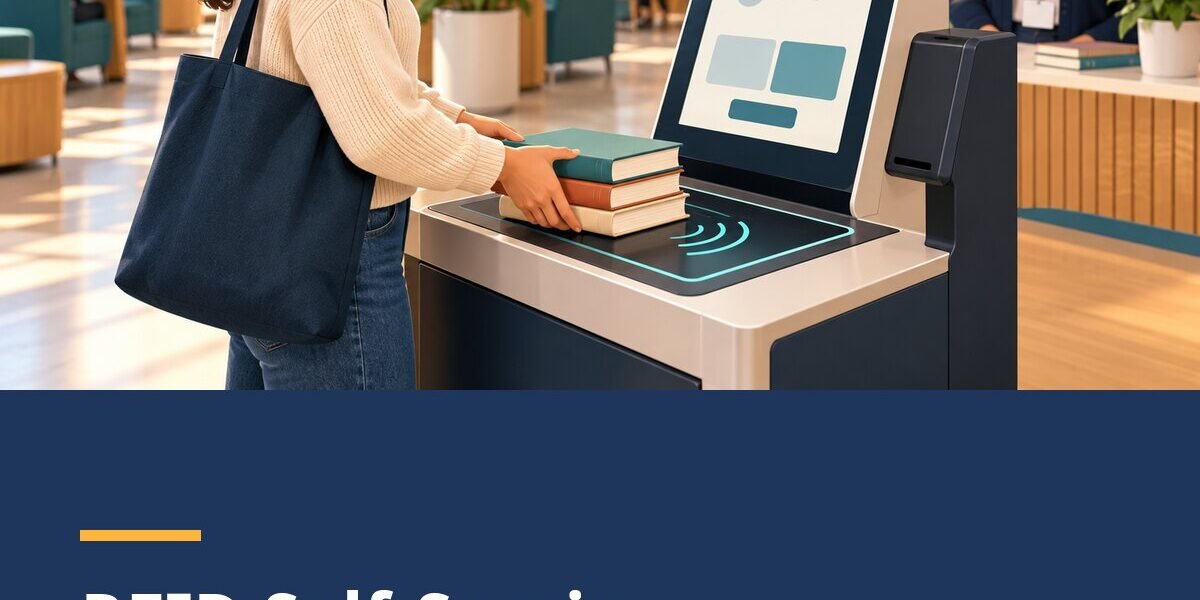
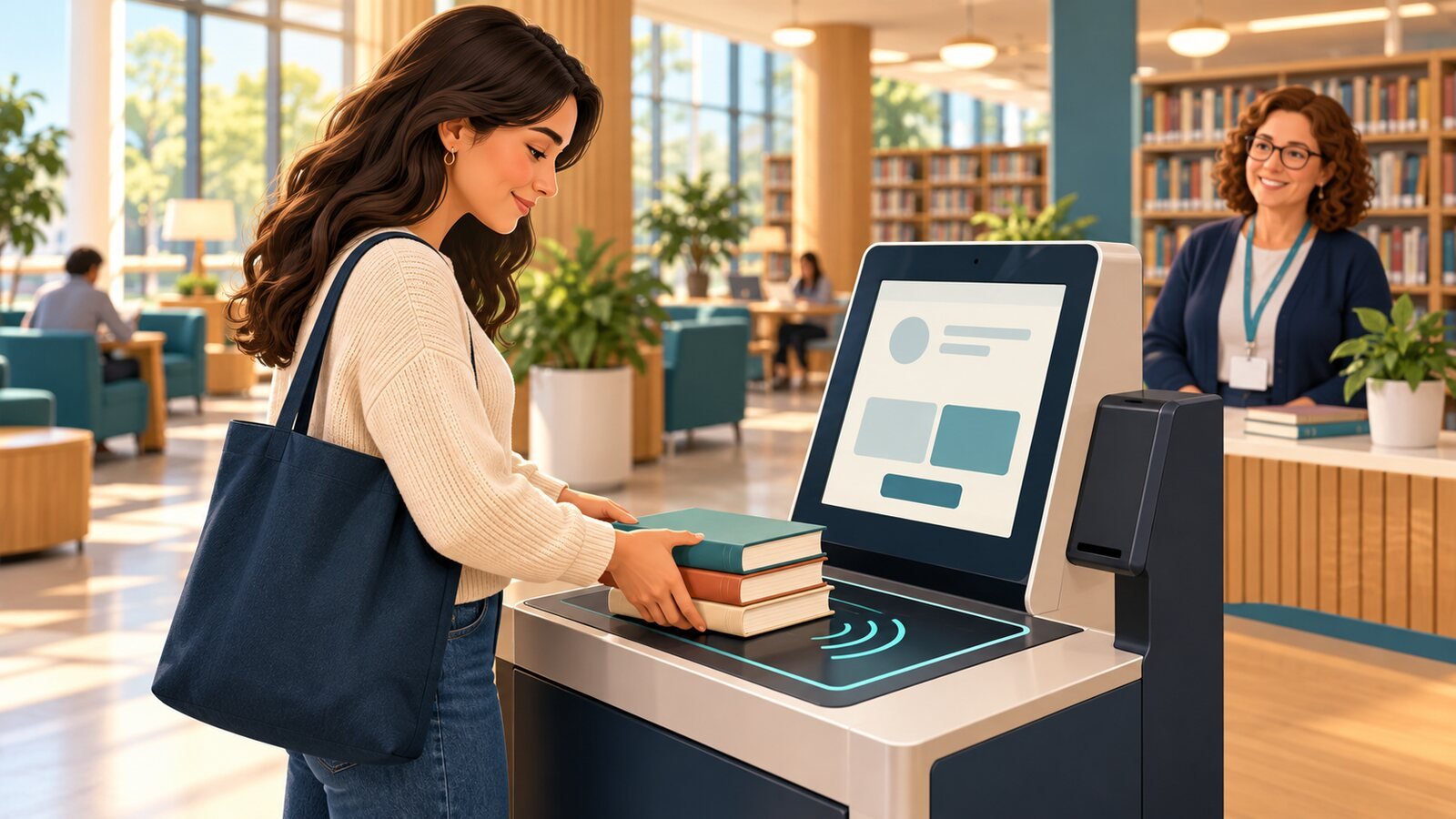
A self-check station may guide the patron through account identification, item presentation, transaction processing, a clear confirmation and a receipt or next-step message if the library uses one. An RFID reader can detect tagged items in its read area, but the kiosk should still make it clear which items were accepted and which need attention.
The circulation transaction depends on communication with the library system. For Koha, the official manual describes SIP2 as a protocol used between self-check machines and Koha’s Automated Circulation System. A particular kiosk may use a different supported interface, so the library should confirm the exact integration path with its vendors.
Design for real patrons
Use plain language, legible text, visible progress and controls that are comfortable to reach. Consider wheelchair access, screen contrast, language needs, privacy at the screen, assistive technology and a non-digital route to service. A kiosk should be tested with the community it serves rather than evaluated only by its appearance.
Plan for exceptions: an item may be missing a tag, have a damaged tag, be on hold, carry a restriction or fail to read. The screen should explain the next action without exposing unnecessary patron information. Staff should know how to help and how to return the station to a ready state.
Integration and security
Before installation, confirm how the kiosk authenticates patrons, sends item identifiers and receives transaction responses. Review network security, service accounts, communication protection, software updates and logging with the library’s IT team. Koha’s manual cautions that SIP2 traffic crossing the internet should be secured, for example with a VPN or stunnel; follow current deployment guidance for the actual environment.
RFID security gates are a separate component from checkout. Their behavior depends on the tag’s security state, gate configuration, physical layout and circulation interface. Do not assume that a gate can identify every item or that it replaces staff procedures; test it in the intended entrance and define alarm response steps.
Pilot RFID self-service kiosks before expanding
Run a pilot with representative patrons, items and transaction types. Observe whether instructions are understood, items are recognized as expected, exceptions are manageable and staff can support the station. Record transaction completion and common error causes, then refine the interface and procedures.
A successful self-service design is not simply a kiosk installed in a lobby. It is a clear service path, supported by compatible hardware and software, good signage, accessible placement and trained staff.
How True Tech Solutions can help
Our self-service stations are designed to be easy for patrons and to work alongside your staff, not replace them. We help you choose the right location and layout, configure the patron journey, connect the kiosk with your library system and train staff to handle exceptions. Then we pilot it with real patrons before you expand.
Conclusion
RFID can be part of a smooth self-service journey when the reader, kiosk, library system and on-site procedures work together. Design around patron needs, confirm the supported interface and test normal and exception flows before launch.
Library RFID series: 6 practical guides
- Beyond Barcodes: How RFID Technology Is Transforming Modern Libraries
- RFID vs. Barcodes in Libraries: What Should You Choose?
- RFID Self-Service Kiosks in Libraries: Designing a Better Checkout Journey (you are reading this)
- Connecting RFID Library Equipment with Koha: Interfaces, Testing and Questions to Ask (coming 9 Nov 2026)
- Library RFID for Inventory and Shelf Reading: What to Measure Before You Start (coming 16 Nov 2026)
- Planning a Library RFID Implementation: Migration, Privacy and Staff Readiness (coming 23 Nov 2026)
Let’s talk about your library
Considering self-service for your library? Talk with True Tech Solutions about your layout, ILS and patron service goals.
Every library is different. You know your readers, your collection and your building; we bring hands-on experience with RFID library hardware, self-service, security and Koha. Let’s sit together, discuss your requirements and shape a solution, and a partnership, that benefits your library, your readers and our team alike. Consultations are free.
- Call +92 51 6109291
- Email info@truetech-sol.com
- Visit Office No. 255, 2nd Floor, Lexus Mall, Gulberg Green Block-B, Islamabad (Mon–Fri, 9 AM – 6 PM)
- Online Send us a message or explore our RFID library solutions
- Chat Use the chat button on this page to ask a quick question
We work with university, college, school, public and special libraries, and we welcome partnerships with institutions and integrators who share our goal of better library services.